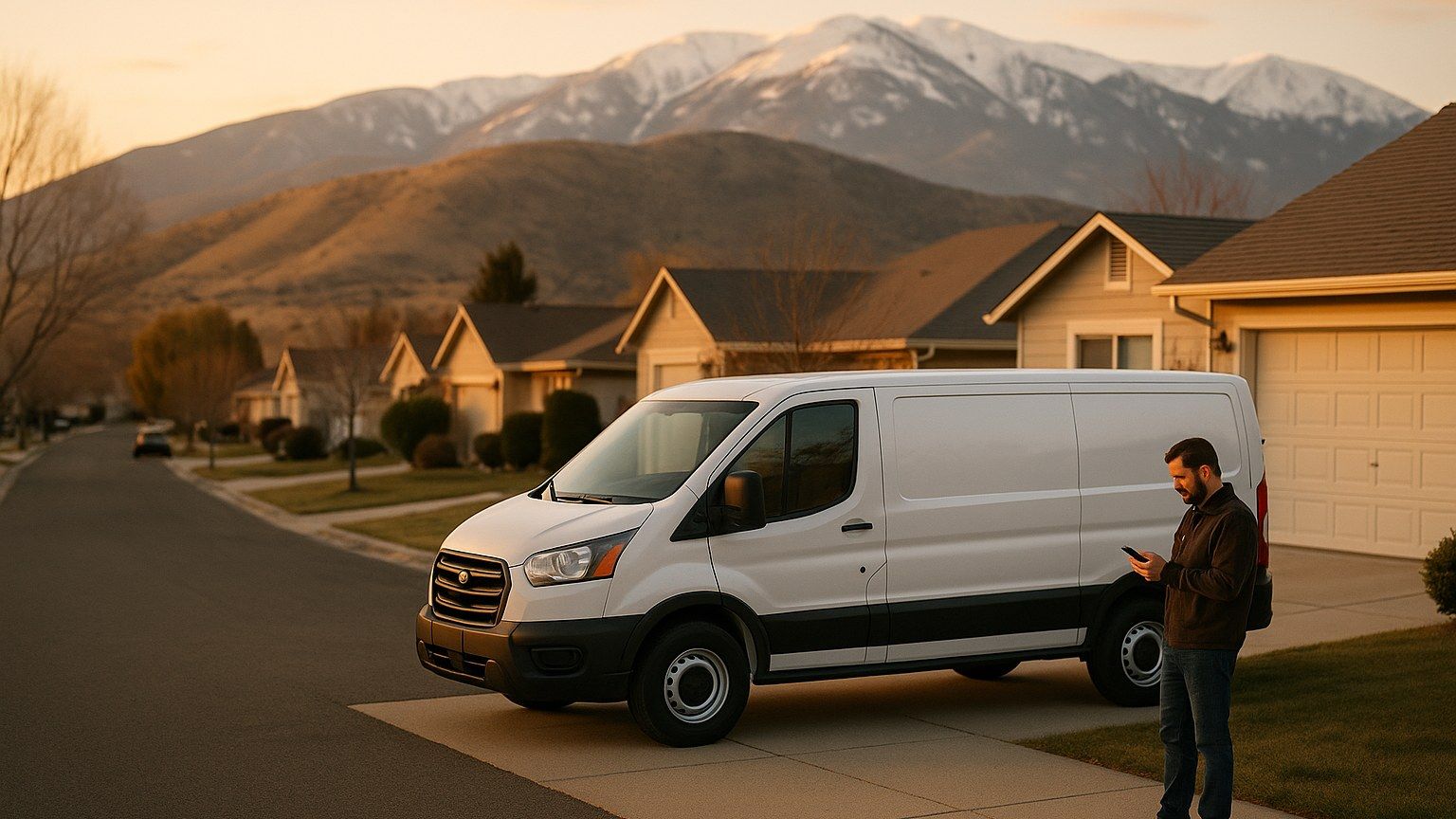
Every local trade takes hundreds of photos a year. Before-and-afters. Finished kitchens, freshly poured concrete, a repaired roof after the storm. Most of them live in a phone camera roll no one will ever see. The few that make it onto the website, the Google Business Profile, or a social post are usually posted without a filename change, without alt text, and without a moment's thought about what the photo is actually being asked to do.
Which is a shame, because in 2026 those photos are quietly doing more ranking work than the copy around them. Google's AI Overviews now pull image thumbnails into local answers, the Vision AI behind Business Profiles matches your photos to search intent whether or not you tag them, and image-search traffic is quietly rising as more customers pinch-zoom into thumbnails before they ever visit a page. This is the short playbook — the file names, alt text, formats, and Business Profile habits — that separate photos that book jobs from photos that just fill space.
Why 2026 changed the math on images
Two things flipped this year. First, Google confirmed in July that AI Overviews can now generate their own images inside the answer — a real shift, and one that quietly raised the stakes for the images publishers do submit, because the ones Overviews decide to cite instead of generate are drawn from the pages that made themselves easy to pick. Publishers can now steer that decision with three specific metadata signals: the primaryImageOfPage schema property, the mainEntityOfPage image, and the og:image meta tag. If your site is not setting at least one of the three deliberately, you are leaving the choice to whatever Google finds first.
Second, the Business Profile side got smarter. Google's Vision AI scans every photo you upload — the drywall texture, the tile pattern, the truck logo — and matches those visual features to searches, even when you have no supporting text keywords in your description. A well-shot bathroom-remodel photo can now surface in "small bathroom renovation Reno" searches without ever being tagged for it. Which means the photos you post are doing double work: showing your customer what you built, and telling Google what you build.
The four file-level fixes that matter
You can spend a week on image optimization. Or you can do the four things that move the number and skip the rest.
1. Rename the file before you upload
The single easiest win, and the one every trade skips. IMG_4521.jpg tells Google nothing. hardwood-floor-install-carson-city-kitchen.jpg tells it what you did, where you did it, and what kind of business you are. Recent analyses of image ranking data found that pages pairing keyword-aligned filenames with matching alt text out-ranked pages with good alt text but generic filenames by roughly 34 percent in Google Images impressions. Separate words with hyphens, keep them short, and describe the photo — not the camera setting.
2. Write alt text that actually describes the picture
Alt text is the highest-impact image SEO field, and it doubles as accessibility for screen readers. The 2026 sweet spot is 80 to 140 characters — enough to be useful, not so much that a screen reader turns into an ad. Describe what is in the picture in plain language, and let a relevant keyword slip in naturally. "White subway tile backsplash and quartz counter in a Reno kitchen remodel" beats "kitchen remodel Reno best contractor near me" every time — both because it is a truer description and because Google's spam systems have gotten very good at spotting the second one. Decorative images that carry no meaning get an empty alt="" so screen readers skip them; there is no penalty for using it.
3. Ship WebP, size for the slot
WebP is the format to serve in 2026 — it is supported in every browser you should be targeting and delivers roughly 25 to 35 percent smaller files than JPEG at the same quality. AVIF is even better on file size, but browser and CDN support is still catching up. Whichever you choose, the second half of the win is sizing: shipping a 4000-pixel photo into a 600-pixel slot is the single most common speed leak on a service-business homepage and the fastest way to fail the LCP measurement in Core Web Vitals. Resize the photo to the actual space it will fill on the largest screen it will render on, and let the CMS lazy-load anything below the fold.
4. Give every image a real folder home
Organize your uploads by topic, not by upload date. /images/bathroom-remodels/, /images/exterior-paint/, /images/service-area-tahoe/ — the folder path is a small but legible clue Google reads when other context is thin, and it makes your image sitemap almost self-writing.
The Business Profile side: photos as a first-page asset
Fixed-file SEO gets you into image search. The Business Profile is where photos convert directly into map-pack visibility and calls. Two facts from the 2026 data set the discipline:
- Businesses posting new photos or updates two to three times a week are seeing roughly 34 percent higher engagement than the ones posting monthly.
- Fresh visuals are one of the "activity" signals Google leans on to decide which businesses look alive and which look dormant — and dormant businesses quietly slide out of the map pack for competitive searches.
That does not mean you need a professional photographer. It means the crew that just finished a job in Sparks needs to take three photos on the way out — the finished work, a wide shot, and something that shows scale — and get them into the Business Profile that night. Over a year, that habit builds the photo library that keeps you ranking, and the customer-side proof that keeps your Google Business Profile doing its job as the real homepage most local customers see first.
Where to tell Google which image is the "official" one
If you want a specific image to be the one that shows up in AI Overviews, in social previews, and in traditional search-result cards, do not leave it to chance. On every page, set three things intentionally:
- og:image — the image the page hands to social platforms and, increasingly, to AI answer surfaces.
- mainEntityOfPage image — the structured-data pointer to what the page is really about.
- primaryImageOfPage schema — the newer, most explicit signal that says "this is the image that represents this page."
We wire these into every page as part of our structured-data setup for local SEO, because a page that tells Google exactly which image to use is a page whose thumbnail actually shows up. A page that leaves it blank hands the decision to a crawler and often gets a random header logo, or worse, nothing at all.
The 30-minute audit you can run today
- Open your site's ten most-visited service pages. Count how many hero images have filenames that describe the picture, not the file counter. If it is fewer than seven, that is your first afternoon's work.
- Paste each URL into PageSpeed Insights and note the "Properly size images" and "Serve images in modern formats" warnings. Those are the two lines that catch nearly every trade's site.
- Open your Business Profile and look at the last thirty days of photo uploads. If there are fewer than eight, you are giving competitors the freshness advantage for free.
Where this fits in the bigger picture
Image SEO is not a category of its own — it is the connective tissue between your on-page work, your Business Profile discipline, and the new AI answer surfaces that increasingly decide who gets seen. Get the filenames, alt text, and Business Profile cadence right, and the same photos you were already taking do three jobs instead of one.
We build fast, well-tagged photo pipelines into every project — from web design in Carson City to SEO in Reno — and pair the on-page work with the ongoing digital marketing that keeps the photos coming. If your camera roll is doing more for your customers' phones than for your rankings, that is a fixable leak, and one worth plugging before the winter search season.